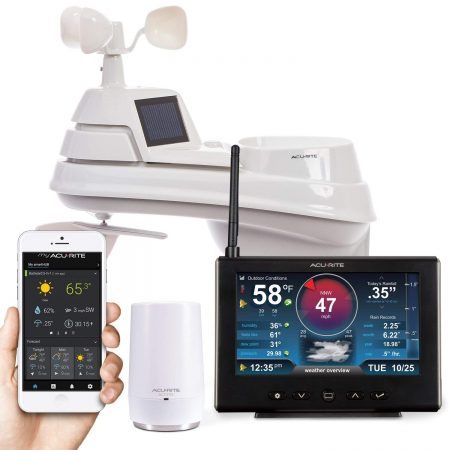
Rachio does not need a weather station in your yard to make weather-based watering decisions. If you want to use your own station, buying a Wi-Fi model is not enough: you need a supported path for its data to reach Rachio.
For Rachio 3 owners, the useful choices are a native Tempest account integration or an eligible station reporting through Weather Underground. These are cloud services, not a radio connection between an outdoor sensor and your sprinkler controller. A station’s wireless range to its own display does not establish Rachio compatibility.
Start with the weather source you already have. Buy hardware only if it solves a specific problem, such as rainfall in your yard differing from the observations Rachio uses.
As an Amazon Associate I earn from qualifying purchases. If you buy through links on this page, I may earn a commission at no extra cost to you.
Rachio compatibility: which pathway works?
| Station or service | Pathway and requirements |
|---|---|
| Tempest | Native/direct cloud integration. Link accounts. Activation included with eligible Rachio purchases; otherwise $29.99 in-app. |
| Ambient WS-2902 family; other eligible stations | Indirect via Weather Underground. Model-specific uploads and Rachio station qualification required. |
| AcuRite Access / NOW | Model/service-dependent; indirect via WU. NOW+ uploads require a subscription/pass key, including legacy Access. WU-only displays differ. |
| Netatmo automatic WU sharing | Historical; ended in 2018. No equivalent native Rachio weather-source route verified. |
| IFTTT / Home Assistant | Intermediary control, not a native weather source. Extra services or maintained host; plan requirements vary. |
| Rachio Weather Network | Built-in online source. No personally owned station needed. |
These routes are documented below, principally for Rachio 3. Confirm available options for older controllers before buying. Wi-Fi or internet connectivity alone does not establish compatibility.
How Rachio gets its weather information
Rachio’s Weather Intelligence Plus uses online weather information for watering decisions. Its available sources include Weather Network, individual stations and a linked Tempest. The network combines several kinds of observations and forecasts; owning a station does not make every forecast a measurement from your yard. No additional weather hardware is required. Rachio’s weather-source documentation.
The distinction matters when comparing weather stations: a product can measure excellent backyard data without having a supported route into Rachio.
Tempest: the native app integration
Tempest is the clearest documented option for someone buying a station specifically to add its data to Rachio. That is an integration recommendation, not a claim that we have tested it against every competing station.
Rachio currently sells the Tempest Weather System with integration access included. Its support instructions also allow owners who bought elsewhere to purchase activation in the app for $29.99. Compare that cost before choosing a retailer. Rachio partner-integration instructions. View the Tempest Weather System on Amazon (paid link).
The documented setup is:
- Set up the Tempest system and confirm it reports to your Tempest account.
- In the updated Rachio app, add a device and choose Tempest Weather Station.
- Select the property and link your Tempest account.
- Enter the integration code supplied with an eligible purchase, or purchase the integration when prompted.
- Select the linked Tempest under that property’s Weather Source and confirm the selection.
The integration is associated with the selected property; do not assume one station becomes selectable for every property on your account. This is a native account integration, not a direct local sensor connection. Rachio’s setup and property restrictions.
Tempest’s current system uses its included hub and a 2.4 GHz Wi-Fi connection. Its standard weather data and forecasts do not require a subscription. That does not eliminate the separate Rachio activation charge when applicable. Tempest product documentation.
Weather Underground: an indirect station-data route
For Rachio 3, Rachio documents using a Weather Underground-compatible PWS. Configure uploads through the station manufacturer, then select the station under Weather → Weather Source → Weather Station → Personal when it is available. Rachio says new stations commonly need 3–4 days of reliable reporting to qualify, sometimes up to 16 days. Rachio PWS guidance.
The path is station → manufacturer’s upload method → Weather Underground → Rachio’s weather service. Merely creating a station ID is not proof that the whole path works. Check current observations on Weather Underground before looking for the station in Rachio.
What about the stations previously recommended here?
Ambient Weather WS-2902B and the WS-2902 family
The WS-2902 family supports Weather Underground uploads. An existing WS-2902B owner therefore has a plausible indirect route, provided the station is reporting correctly and becomes available in Rachio. It is not a native Ambient-to-Rachio pairing.
The station’s outdoor sensor measures wind, temperature, humidity, rainfall, UV and solar radiation, while its display provides local monitoring. These are useful weather-station features, but a display’s refresh interval or sensor range is not the frequency or range of Rachio weather updates. Ambient’s WS-2902 documentation.
Keep the model suffix in mind: setup tools differ across WS-2902 generations. Use the manufacturer’s instructions for your console rather than a generic Wi-Fi procedure. Our WS-2902 review provides additional product context; verify the exact current package before purchasing. View the AccuWeather-branded WS-2902D-AW D-generation package on Amazon (paid link). Its optional AccuWeather Premium+ trial is separate from AWN+; activating the trial is not required to use the weather station. Check eligibility and renewal terms if you choose to activate it.
Netatmo: do not buy it assuming automatic Rachio compatibility
Netatmo states that its Weather Underground partnership ended in 2018. The earlier version of this article should not have described all Netatmo stations as Rachio-compatible. No equivalent native Netatmo weather-source integration was established in this review. Netatmo’s explanation.
A station can still be useful for indoor and outdoor temperature monitoring without solving this irrigation problem. Read our Netatmo review for separate product context, but do not interpret that link as a recommendation to buy it for Rachio.
Custom forwarding or automation would be an additional dependency requiring its own verification. We do not recommend purchasing Netatmo on the assumption that an old bridge or tutorial still works.
AcuRite 01151M HD and legacy Access systems
The older 01151M HD bundle combined a weather sensor, HD display and Access device. Access receives compatible AcuRite sensor readings; it does not connect Rachio controllers as additional sensors. AcuRite Access documentation.
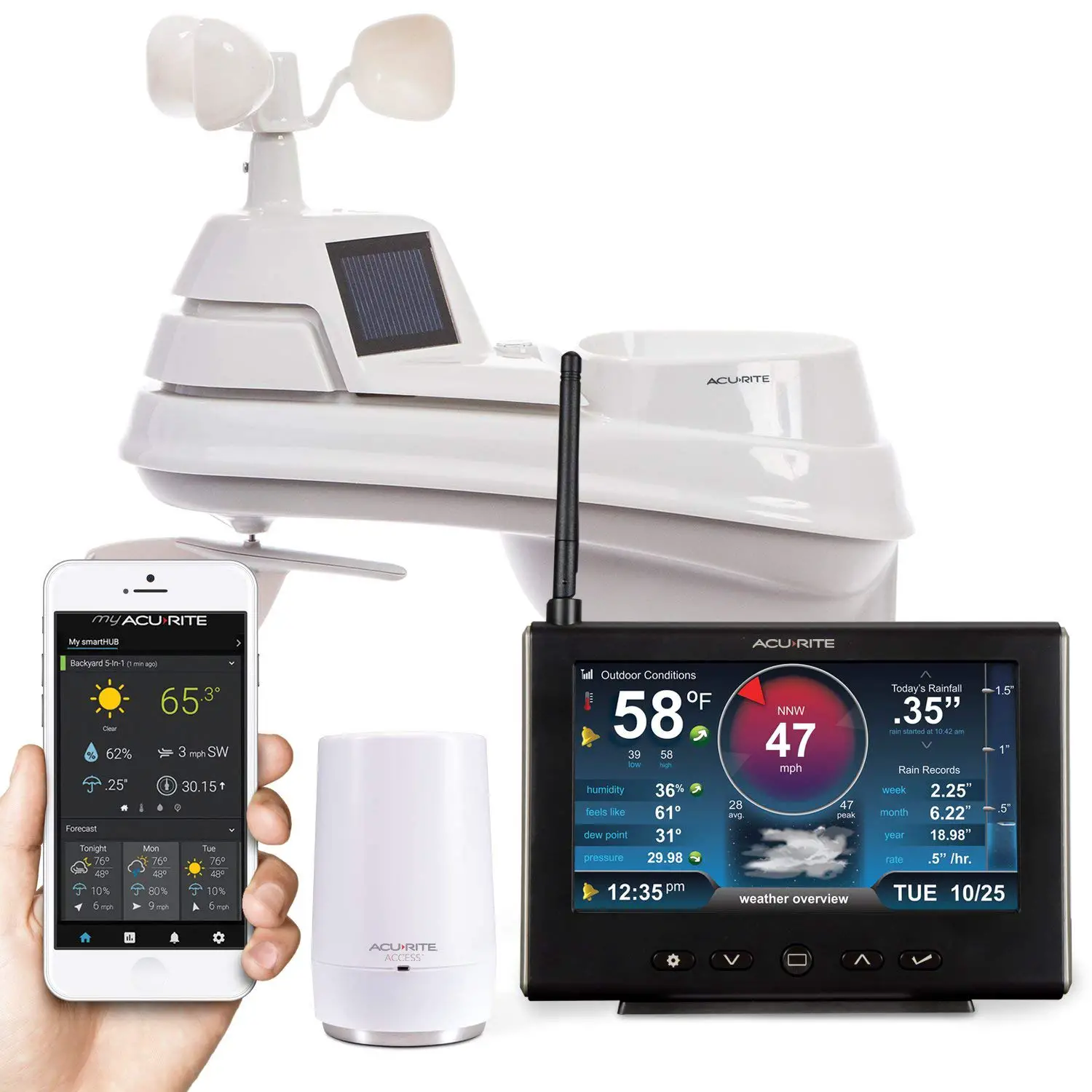
AcuRite’s current NOW+ instructions include legacy Access devices and require a subscription/pass key for Weather Underground streaming through that app. Owners select the sensor, activate NOW+, and enter their Weather Underground station credentials. This remains an indirect path into Rachio. Current AcuRite NOW+ streaming instructions.
The advertised NOW+ plans are $1.99 per month or $19.99 per year; confirm current terms in the app. Do not extend that requirement to every AcuRite display: some have a separate Weather Underground-only upload method. NOW+ plans and Weather Underground-only display setup.
For owners still using My AcuRite, the manufacturer says the older service remains available while migration issues are addressed. Its older sharing instructions are legacy guidance, not the NOW+ procedure. Check the current migration notice before changing a working setup. This review does not establish whether any individual account has already migrated.
We no longer recommend the 01151M HD as the automatic “best for Rachio” purchase. An owner’s first step should be checking the existing upload path, not replacing working hardware.
Rain sensor, weather station or automation?
A compatible rain sensor can provide a local watering interruption without acting as a full weather station. Rachio specifies normally closed rain sensors and publishes compatible examples. This may better address a reader who simply wants watering inhibited when rain is detected. Follow the wiring and configuration instructions for your controller. Rachio sensor compatibility.
IFTTT offers weather-triggered Rachio actions, including Tempest-based rain delays. That is an intermediary automation, not the native Tempest weather-source setup. It adds another account and service dependency; check the applet and plan requirements rather than assuming every automation is free. Tempest’s IFTTT explanation and IFTTT plans.
Home Assistant also has a community-maintained Rachio integration for controlling watering. Its documented integration uses Rachio’s cloud and requires appropriate external access for sprinkler-controller updates. Local weather measurements plus an automation do not, by themselves, become a native Rachio weather source. This is an option for an experienced owner prepared to maintain it, not a prerequisite for ordinary setup. Home Assistant’s Rachio integration.
Before buying or troubleshooting
- Identify the controller. Rachio’s documentation describes Weather Intelligence Plus broadly, but its PWS instructions specifically mention Rachio 3. Owners of older controllers should confirm the available options in their account before purchasing an integration.
- Verify each stage. Check the station’s own readings, its cloud upload and the selected Rachio source separately.
- Check expectations. Online weather decisions are not an instant rain switch. A brief, localized shower can arrive between weather checks. Rachio’s explanation of timing and weather sources.
- Consider installation and upkeep. Choose a site where the sensor can measure representative conditions and be maintained. Tempest specifically recommends a stable mount free from vibration for its rain measurements. Tempest’s installation advice for Rachio.
- Compare total cost. Include any activation charge, upload subscription, mount and extra service—not just the station’s purchase price. The Rachio app itself is currently subscription-free.
For broader gardening requirements, see our weather stations for gardeners guide. For Rachio specifically, evaluate the built-in weather source first, use a working existing station when appropriate, and consider Tempest when a native integration justifies buying hardware.
This compatibility guide is based on manufacturer documentation reviewed in September 2026. It does not claim hands-on testing of these integrations.