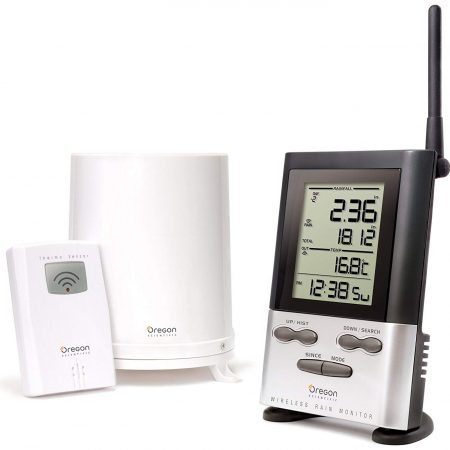
A school weather station should fit the lesson, installation and data requirements. A classroom studying daily observations has different needs from a campus maintaining a long-running environmental record. Neither needs a station simply because it tops a general-purpose ranking.
Two systems are worth considering: the Ambient Weather WS-2000 for teacher-led observation and spreadsheet projects, and the Davis Vantage Pro2 6252 with WeatherLink Console for a permanent installation where separate wind-sensor placement matters. Existing equipment may already be sufficient for simpler lessons.
As an Amazon Associate I earn from qualifying purchases. If you buy through links on this page, I may earn a commission at no extra cost to you.
Choose the task before the equipment
| School need | Suitable starting point | Important limitation or cost |
|---|---|---|
| Basic observation, units and daily charts | Existing thermometer/rain gauge or a supervised DIY project | Manual records require a consistent observation routine. Internet access is not essential. |
| Classroom observations and spreadsheet analysis | Ambient WS-2000 | Budget for mounting, batteries and a compatible memory card; optional cloud services are separate. |
| Permanent campus observations | Davis Vantage Pro2 6252 | Budget for installation and maintenance. Its documented cloud spreadsheet-export route requires Pro or Pro+. |
| Advanced environmental investigation | Choose sensors and a data-access method around the project | Neither package automatically includes every environmental sensor or meets a research protocol. |
For introductory work, a DIY weather-station project or lessons comparing indoor and outdoor temperature may accomplish more than buying an elaborate system nobody maintains.
Observations are not emergency warnings
A personal station measures conditions at its sensors. A forecast icon, calculated value or optional lightning detector does not establish that a playground, sports field or trip is safe. Power, radio reception, internet access and notifications can fail; local equipment should supplement official warnings and the school’s emergency procedures.
The National Weather Service advises going indoors when thunder is heard and waiting at least 30 minutes after the last thunder before resuming outdoor activities. Do not take pupils outside to watch a detector register an approaching storm. Our lightning-detector guide explains the devices’ limits.
What teachers and facilities staff should check
Measurements and readability. Decide which observations students will actually use. A teacher can share a console’s readings or a prepared dataset; a small instrument display is not automatically readable from the back of a classroom. Distinguish measured quantities from calculated values and forecasts.
Records and access. Seeing yesterday’s maximum is different from downloading timestamped observations. Ask for a sample export before committing to a long-term project. Establish who will archive files and document missing readings, changes of location and equipment replacements.
Network and accounts. Sensor-to-console radio is separate from Wi-Fi and internet upload. Ask school IT to check the actual console and network requirements, including any sign-in portal or enterprise authentication. Do not assume a consumer console can join the school’s network because phones can.
Student access and privacy. Prefer a school-managed account and teacher-distributed data where that meets the lesson. Review public station location, sharing settings, platform terms and multiple-user arrangements before enabling online publication. Do not share an administrator password with a class. These are procurement considerations, not a claim that either product provides a school learning-management system.
Ambient WS-2000: local observations and spreadsheet projects
The WS-2000 package combines a color console with an outdoor array measuring temperature, humidity, wind, rain, UV and solar radiation. It also provides indoor readings and pressure. This gives a teacher several related variables to graph without requiring a separate cloud account for each pupil.
Its useful educational distinction is CSV export through a microSD card. The manufacturer’s manual documents the export format. Optional channel-sensor logging requires the card to remain inserted; do not assume those records can be recovered retrospectively from console memory.
Costs and dependencies before buying: allow for a suitable card, batteries, mounting and staff maintenance. Local observation and card-based work do not require an AWN+ subscription. Online sharing requires internet access and an Ambient Weather account; paid AWN+ features are optional additional services. The console uses 2.4 GHz Wi-Fi for its network connection. Have IT confirm suitability before planning an online dashboard.
The integrated outdoor array is convenient but ties the wind, rain and temperature sensors to one mounting position. Record that siting compromise in student work. Compatible optional sensors can extend a garden project, but confirm the exact sensor and logging requirements before buying additions. This is adult-managed observation equipment, not a toy or public-safety system.
Check the Ambient Weather WS-2000 console-and-array package on Amazon (paid link).
Davis Vantage Pro2 6252: a permanent campus installation
The current Davis 6252 package includes the WeatherLink Console and a Vantage Pro2 outdoor suite. Its separate anemometer has a manufacturer-specified 40-foot cable, allowing wind placement to be considered separately from the rain and temperature sensors. That flexibility can be valuable on a campus with suitable mounting locations.
The standard package measures temperature, humidity, rainfall and wind and uses a passive radiation shield. UV and solar-radiation sensors are not included. Advanced programs should specify their additional measurements and compatible hardware rather than assume this package covers every environmental investigation.
Costs and dependencies before buying: the WeatherLink Console can display and store observations without Wi-Fi. However, Davis’s documented spreadsheet-export route is through WeatherLink.com with a Pro or Pro+ subscription. The current console is not a direct substitute for an older console/logger connected to WeatherLink PC software. See Davis’s export explanation.
Include mounting, safe maintenance access, replacement consumables and the required data-service plan in the budget. If offline computer export is a firm requirement, do not buy this console package expecting a USB download; specify and verify another data-collection configuration first.
Check the Davis Vantage Pro2 6252 with WeatherLink Console on Amazon (paid link).
If the school already owns an older station
Davis 6152 with the original LCD console: this is the older package discussed in the previous guide. Existing observations remain useful. Identify the installed console and logger before changing software or cloud services; instructions for the current 6252 package do not automatically describe the older recording setup.
AcuRite 01024M with HD display: keep it for suitable local-observation lessons if it works. AcuRite describes up to a year of weekly/monthly high and low records, which is not the same as a downloadable year of continuous observations. The 06058 display manual remains available. Any included lightning detector has the safety limitations explained above.
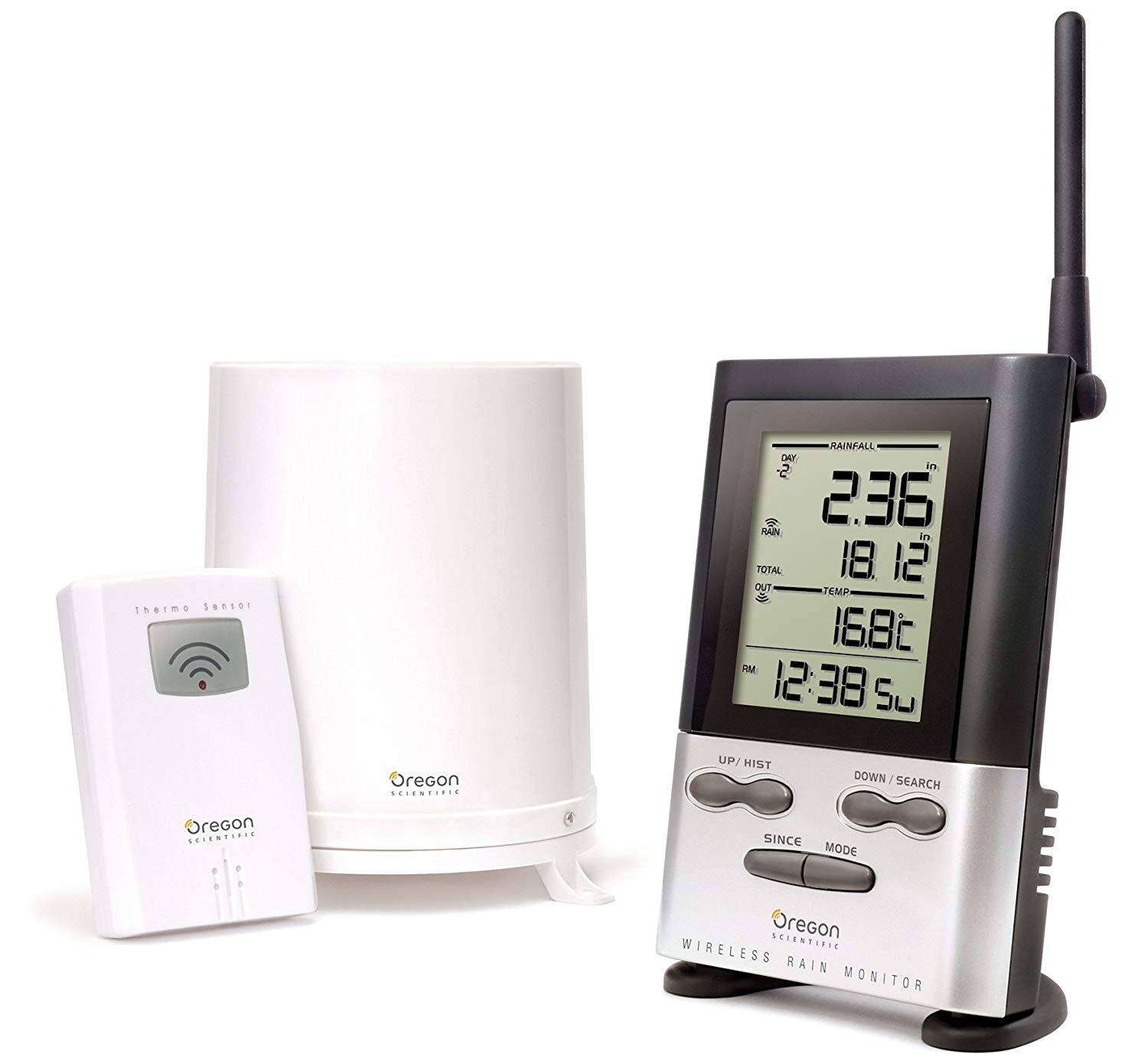
Oregon Scientific RGR126N: this is a narrower rain-and-outdoor-temperature system, not an equivalent to a complete wind/humidity station. The manufacturer’s stated 0.04-inch rainfall increment is resolution, not a guarantee of measurement accuracy. Its advertised rain-sensor and temperature-sensor ranges differ; neither guarantees reception across a school site. The manufacturer’s product reference remains useful for identifying the equipment.
Plan installation and the school-year handover
Agree on a secure mounting location with facilities staff before purchasing. Consider tampering, ball strikes, access during holidays, rain-gauge cleaning, batteries and who checks data after an outage. Do not solve vandalism concerns by choosing an inaccessible roof location without a maintenance plan.
Use the Sensor Siting Checklist and installation guidance to assess placement. Record practical compromises rather than treating a constrained campus as useless. Leave roof work, electrical protection and grounding decisions to qualified staff or contractors.
If sharing observations publicly is part of the lesson, confirm the school’s approval and the actual upload path before following the Weather Underground connection guide.
Choose the WS-2000 when local spreadsheet work is the main requirement; consider the Davis 6252 when installation flexibility and its data-service arrangement fit the campus plan. For a broader household-oriented comparison, see our home weather-station buying guide. The right school purchase is the equipment the class can use and the school can maintain—not the longest feature list.